目的
為了在電腦上執行BLAST,先下載NCBI提供的版本:
- NCBI BLAST+下載網址:https://ftp.ncbi.nlm.nih.gov/blast/executables/blast+/LATEST/
macOS Mojave(macOS 10.14)以後,不能直接執行非app store下載的程式,需要在系統設定中設定權限:
cd /path/to/bioinformatics_tools/blast_ncbi
./tblastx

解決方案
設定單一程式的執行權限
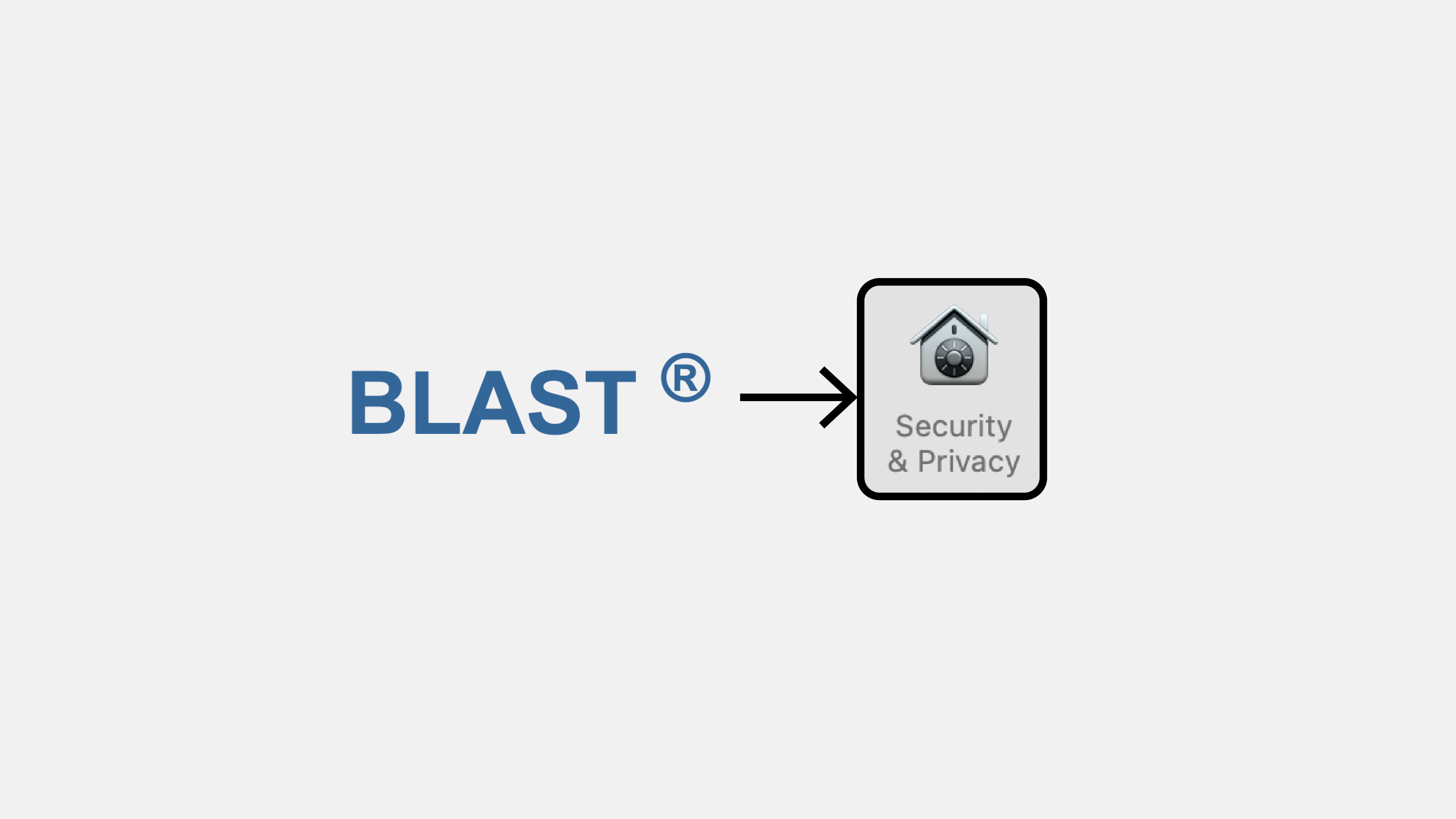
- 首先打開系統偏好設定(System Preferences),進入Security & Privacy,按左下角解鎖按鈕,輸入密碼進入編輯模式。
- 執行下載好的程式,會出現下圖紅框部分。按下「Allow Anyway」。

- 再執行程式時,會再次彈出警告視窗,按下Open後便可順利執行。
./tblastx

設定多個程式的執行權限
- BLAST+包含多種BLAST的程式,利用下面代碼連續進行設定執行權限的動作。
- 需把BLAST+路徑設為
dir_BLAST的值。
# <set_permission_BLAST.py>

import os
import glob
import subprocess

# Directory
dir_BLAST = '/path/to/Bioinformatics/tools/ncbi-blast-2.12.0+/bin'
os.chdir(dir_BLAST)

# Get all program names
# (Those without extension formats)
# (py/sh scripts can be run without permission requirements)
programs_all = glob.glob('*')
for program in programs_all:
	if '.' in program:
		programs_all.remove(program)

# Print out all the program names
print('All programs:')
print(programs_all)
print('\n\n\n')

assert len(programs_all) > 0

# Initialize each program
for program in programs_all:
	print('Trying program:  {0}'.format(program))
	cmd = ['./' + program, '-version']
	cmd_run = ' '.join(cmd)
	print(cmd_run)
	print()
	subprocess.run(cmd)
	print('\n\n')
- 執行以上代碼兩次:
- 第一次執行時,會逐一開啟BLAST+各程式(Terminal視窗會逐一印出程式名稱),此時需要對每一個程式在系統偏好設定視窗按下「Allow Anyway」。
- 第二次執行時,則會彈出執行視窗,對每個程式按下「Open」,執行權限設定完成。
python3 set_permission_BLAST.py
- 確認程式是否能順利執行,例如檢視BLAST版本。
- 可考慮把路徑加至PATH。
./blastp -version

後記:安裝HISAT2 — 設定權限
下載好的HISAT2資料夾中包含某些不需設定權限的檔案,自動化設定權限時可跳過這些檔案:
import os
import glob
import subprocess

# Directory, HISAT2
dir_BLAST = '/Users/jasonleong/Bioinformatics/tools/hisat2'
os.chdir(dir_BLAST)

# Get all program names
# (Those without extension formats)
# (py/sh scripts can be run without permission requirements)
programs_all = glob.glob('*')
for program in programs_all:
	if '.' in program:
		programs_all.remove(program)

# Skip filenames that do not require permission allowance
for tmp_file in ['AUTHORS','LICENSE','MANUAL','NEWS','TUTORIAL','VERSION','example','scripts','__pycache__']:
	if tmp_file in programs_all:
		programs_all.remove(tmp_file)

# Print out all the program names
print('All programs:')
print(programs_all)
print('\n\n\n')

assert len(programs_all) > 0

# Initialize each program
for program in programs_all:
	print('Trying program:  {0}'.format(program))
	cmd = ['./' + program, '--version']
	cmd_run = ' '.join(cmd)
	print(cmd_run)
	print()
	subprocess.run(cmd)
	print('\n\n')
Leave a Reply