Aim
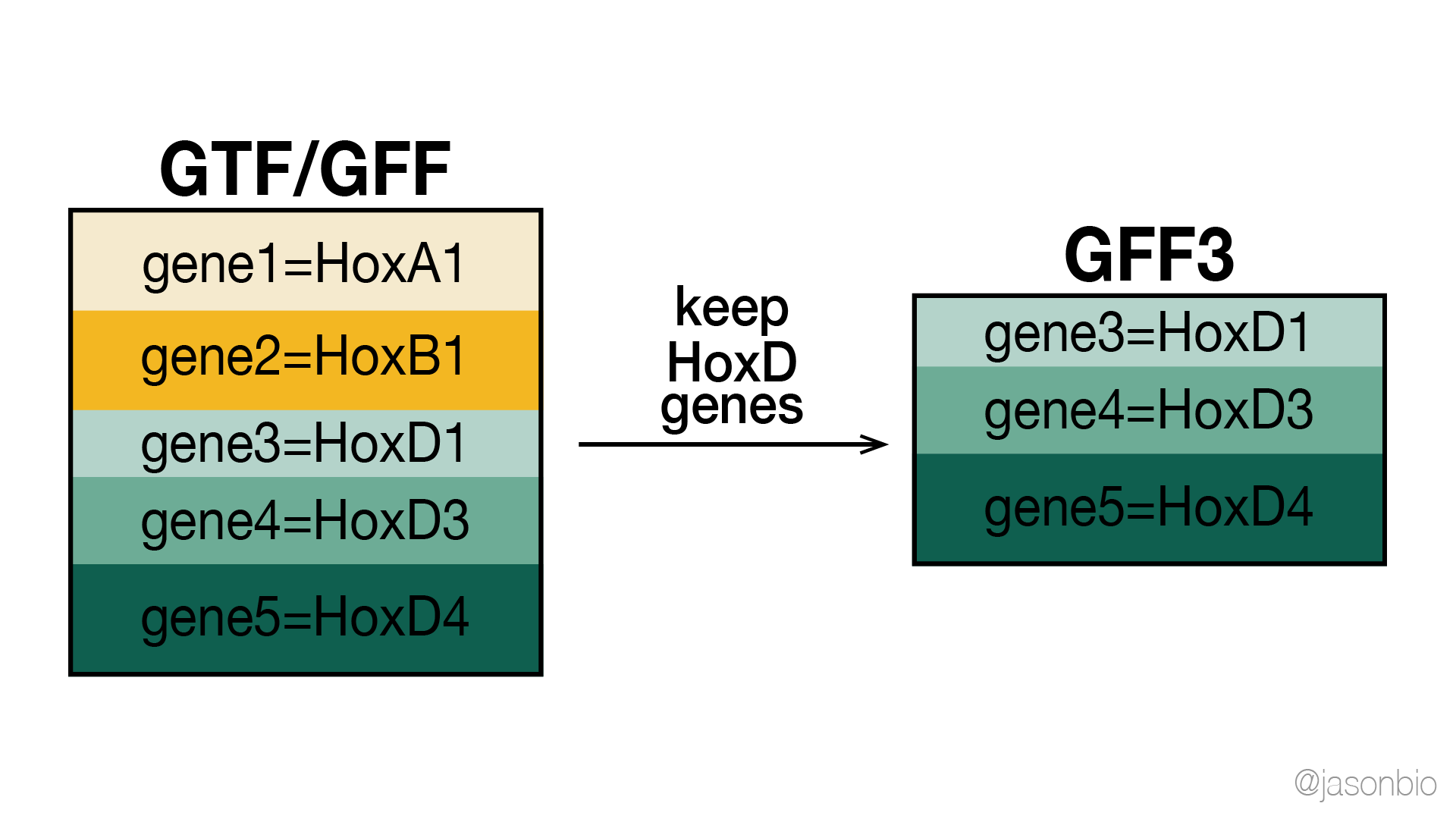
From a whole-genome annotation file (GTF/GFF), retrieve all entries related to genes in a given gene list.
Data preparation
- In this demonstration, we are going to use “
Mus_musculus.GRCm38.88.gtf” (the annotation file of the mouse genome) as an example.- We are going to use the version from Ensembl release 88.
- Site for download: https://ftp.ensembl.org/pub/release-88/gtf/mus_musculus/
- Gene ID list
- We want to get all annotated entries related to HoxD genes.
- The gene list (plain text file) includes one gene ID each line.
- From top to bottom, the nine gene IDs included correspond to HoxD1, HoxD3, HoxD4, HoxD8, HoxD9, HoxD10, HoxD11, HoxD12, HoxD13, respectively.
ENSMUSG00000042448
ENSMUSG00000079277
ENSMUSG00000101174
ENSMUSG00000027102
ENSMUSG00000043342
ENSMUSG00000050368
ENSMUSG00000042499
ENSMUSG00000001823
ENSMUSG00000001819
Solution
For this purpose, we are going to utilize the AGAT tool. AGAT offers a variety of scripts to view and process or edit GTF/GFF (genome annotation) files. Although GTF or GFF files have a unified format (including 9 columns of information), annotation files acquired from different upstream tools (such as PASA, Cufflinks, etc.) may differ to some extent, and may cause errors in downstream analyses since the file may lack some critical information required (especially the information in the 9th, “attributes”, column; for example, the “biotype” annotations of genes are missing, or entries marked as “genes” are missing in the file). In order to solve relevant problems, AGAT can help edit genome annotation files to meet certain format requirements.
In this demonstration, we will utilize the “agat_sp_filter_feature_from_keep_list.pl” script from the toolkit to extract entries related to genes in a given list. The toolkit actually also includes a script of the opposite function, “agat_sp_filter_feature_from_kill_list.pl“, to filter out and remove entries related to genes in a given list . The usage syntax is as follows (and we will use the Docker version of the AGAT tool):
agat_sp_filter_feature_from_keep_list.pl
  --gff infile.gff
  --keep_list file.txt
  [--output outfile]
[Step1]Install the Docker version of AGAT
- Start Docker(macOS version)
- Download AGAT by command line (the current latest version is 0.8.0):
docker pull quay.io/biocontainers/agat:0.8.0--pl5262hdfd78af_0
- When complete, the AGAT toolkit will then be listed as a downloaded package in Docker:

[Step2]Set computational resource limits for Docker containers
- Editing GTF/GFF files requires moderately large memory. The default set in Docker is only 2GB, which could easily be used up when AGAT is still parsing the annotation file.
- For species that are more thoroughly annotated (such as mouse and human), the memory required could be really large. In this experimental run, when the allocated memory was set to 30 GB, yet, the program stopped while AGAT was still parsing the annotation file (~95% done). At last, I set the the memory limit to 40 GB and the run could be completed.
- If large memory is not accessible in your local computer, perhaps a possible solution could be to truncate the entire GTF/GFF file to several smaller parts, and run AGAT to the portions separately.

[Step3]Run AGAT tool (as a Docker container)
- Create the involved folders (and make sure the files are where there are supposed to be).
- Run command line to edit GTF/GFF files. AGAT will automatically detect whether the input file is in GTF (GFF version 2) or GFF3 format before it is parsed*. The default format of the output file is GFF3.
(*If errors appear, the input file may include unexpected spaces or formats which cause AGAT to stop while parsing. A solution is to first convert the file to the standard GFF3 format by “agat_convert_sp_gxf2gxf.pl” and then run the other gff-editing AGAT scripts again.)
docker run --rm -it
    -v PATH_WHERE_YOUR_DATA_IS_STORED:PATH_WHERE_YOUR_DATA_IS_STORED
    quay.io/biocontainers/agat:0.8.0--pl5262hdfd78af_0
    bash -c 'cd PATH_WHERE_YOUR_DATA_IS_STORED
      && /usr/local/bin/agat_sp_filter_feature_from_keep_list.pl
      --gff ANNOTATION.GTF
      --keep_list GENE_LIST.txt
      --output ANNOTATION.filtered.gff3'
- The output file of this experimental run includes 177 lines (calcualted by
wc -l), including a line declaring GFF3 as the file format and 176 lines of entries related to HoxD genes. - For well-annotated species (e.g. mouse), the run time may exceed half an hour. Since the designated memory has already been pre-allocated when Docker starts, it would be better to avoid running other memory-intensive or computation-intensive bioinformatics programs at the same time.

References
- Dainat, J. & Hereñú, D. AGAT: Another Gff Analysis Toolkit to handle annotations in any GTF/GFF format (version v0.8.0). Zenodo (2021). doi:10.5281/zenodo.3552717
Leave a Reply